Security Guardrail
The Security Guardrail tab configures detection of jailbreaks, prompt injection, and similar attacks against your model.
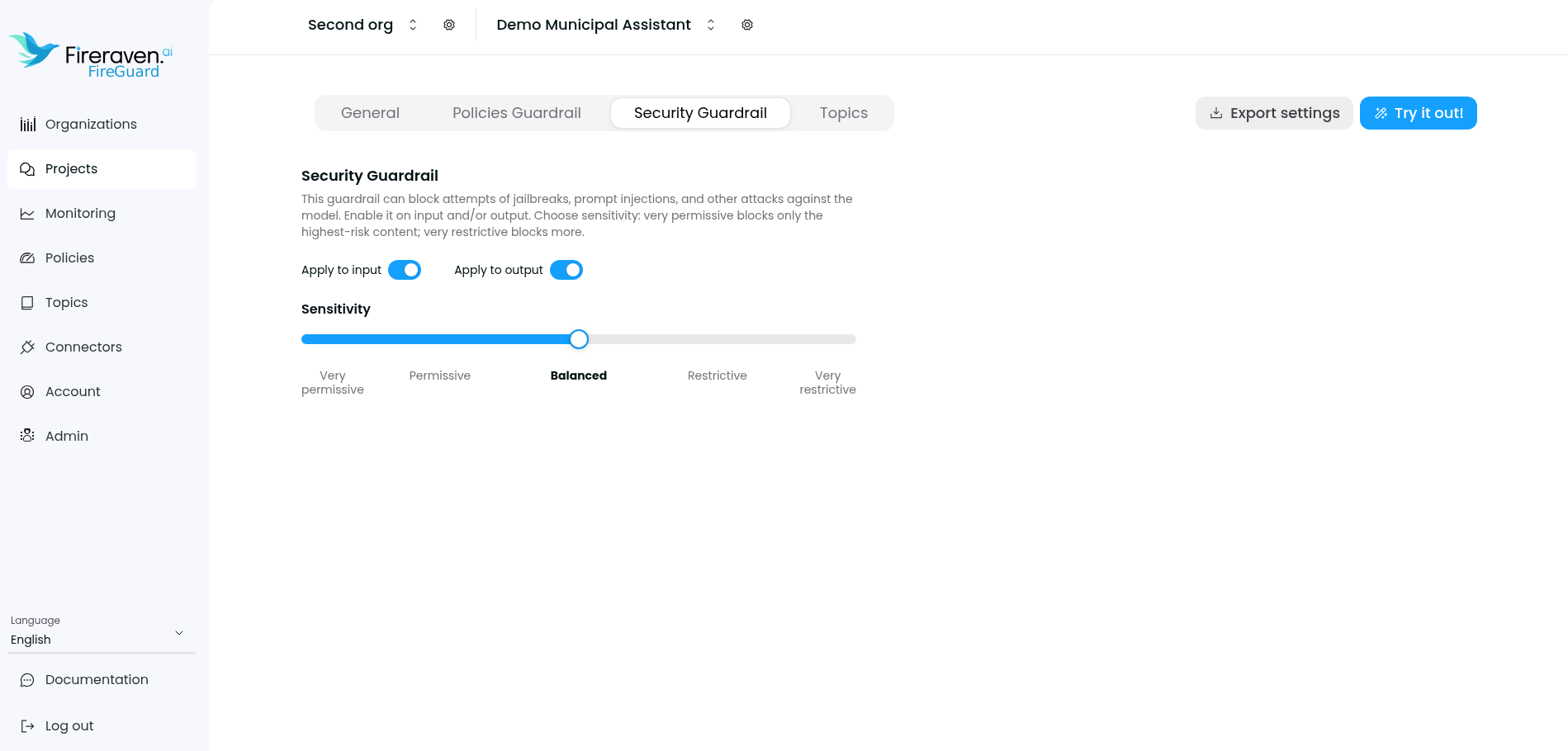
- Apply to input / Apply to output — Turn the security guardrail on for user messages, assistant messages, or both. When enabled, risky content can be blocked according to your settings.
- Sensitivity — From very permissive (only the highest-risk content) to very restrictive (stricter blocking).
- Security violation message — The text your agent should return when a request is blocked by this guardrail (when configured).
Security results appear in monitoring and in the public API responses when the security guardrail is enabled for that direction (security_guardrail_results).