Test your Project
Testing the project is the first step in making sure it behaves the way you intended.
To test the project in the sandbox, click on the Try it out button in the Project Settings page.
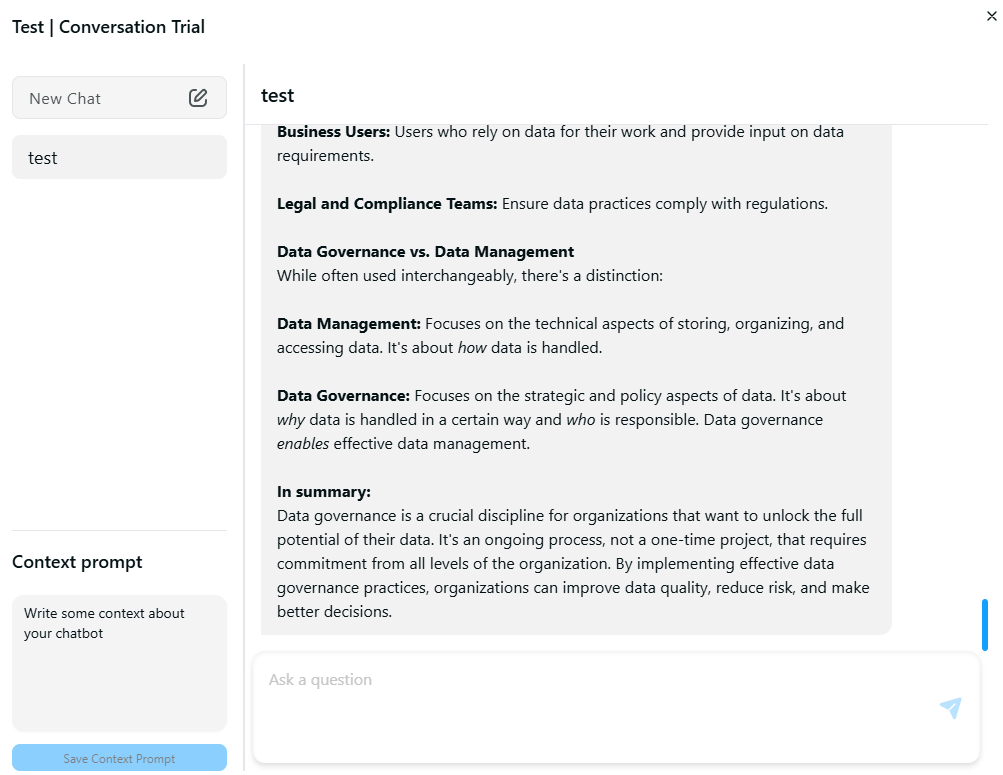
Create a conversation
Create a new conversation using the New Chat button. You will need to provide a name and a description (optional) for your new conversation.
You can also set a Context prompt for your sandbox project that will be used accross your tests.
When a conversation has been created, you can send a message using the conversation box.