Delete an organization
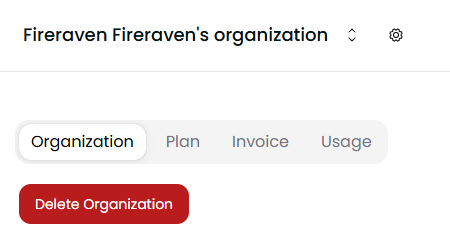
To delete an organization, head to the Organization Settings page. There, you should be able to see a Delete Organization red button next to the organization name.
warning
To delete an organization you need to consider the following things:
- The Default organization of a user (the one created automaitcally when the account was created) cannot be deleted.
- Only the owner can delete an organization.
- The organization shouldn't have any active subscriptions.
- This action cannot be reverted. All projects and data associated with the organization will be deleted as well.