Remove Member
As an organization owner, you are able to remove members from your organizations.
To remove a member from an organization, head to the Organization Settings page. There, you should be able to see the list of organization members.
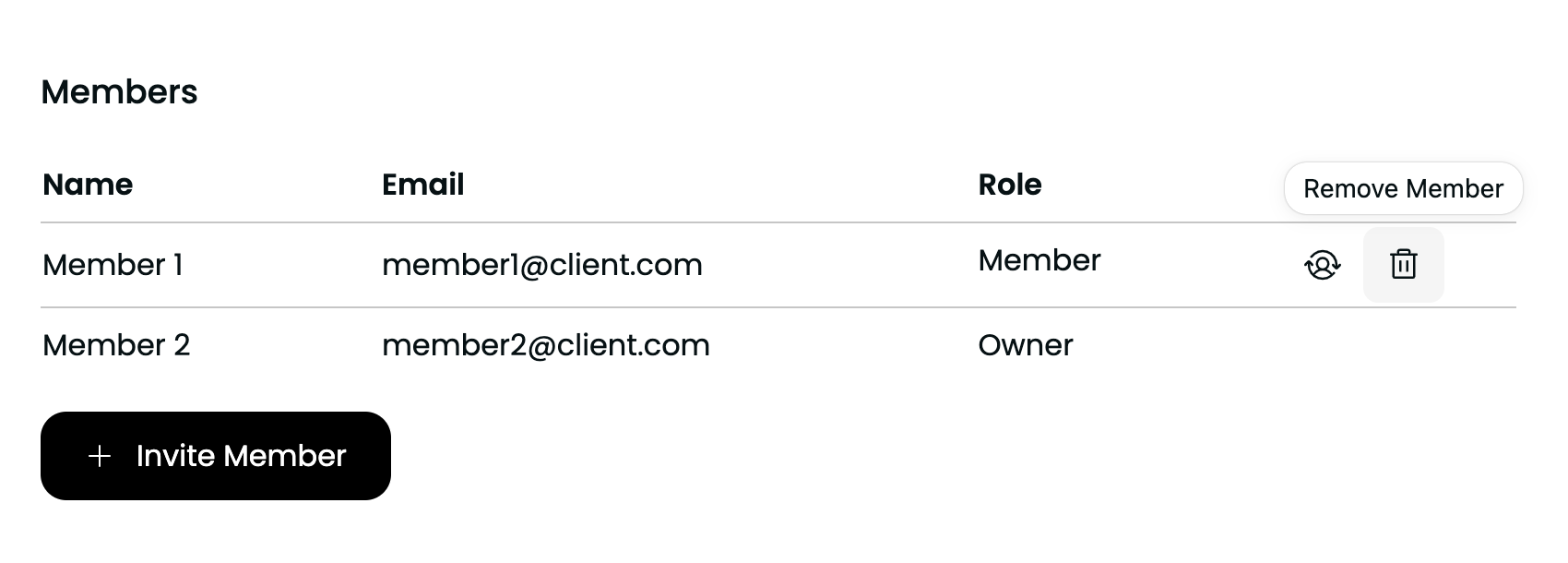
Click the trash bin icon (highlighted in the image below) for the user you want to remove from the organization. A confirmation popup will appear. Once you confirm the action, the user will be removed from the organization.
info
A member who has been removed from an organization can be invited to rejoin it, if desired.